Connect CI
Let the agent read your failing CircleCI jobs as you, and see how required checks and testing levels decide when a pull request can merge.
The agent opens a pull request and then watches it. When a check fails, it reads the failure and pushes a fix. Connecting CircleCI lets it read your pipelines, logs, and test results with your own access, so it can get to the cause faster.
How CI decides a merge
Evergreen doesn’t run your CI, and it doesn’t replace your forge’s rules. Your CI reports checks to GitHub or GitLab like it does for anyone’s pull request, and Evergreen reads them from there. That works with CircleCI, GitHub Actions, or any other CI that reports to the forge, whether or not you connect anything on this page.
- Required checks always apply. The agent waits for every check your repository requires, and your forge has the last word when the merge happens. A check that isn’t required is information, and it doesn’t hold the merge.
- You choose how much the agent does on its own. Each pull request has a mode, shown in the Shepherd section of the session. The table below lists the three.
- You can require more. Before it merges, also require adds a testing level on top of your required checks. Nothing extra means just the repository’s required checks, unless Evergreen decides the change needs more. Tests also needs the tests covering the change to pass on the latest commit. CI needs CI to report and pass, even if the repository requires no checks. The session shows the level as Testing.
- A failure the pull request didn’t cause waits. If the base branch fails the same check, the agent doesn’t spend a fix on the pull request. The session can offer Fix this outside the pull request, and Fix it once starts a separate session on the cause.
| Mode | What happens |
|---|---|
| Auto merge when green | Fixes CI, reviews, and conflicts, then merges without you. |
| Ask before merging | Fixes CI and reviews on its own, and you approve the merge. |
| Ask before every fix | You approve each CI fix and review reply, and you merge. |
Note
If you merge with Approve & merge, the testing level isn’t required, but the repository’s required checks still are.
Connect CircleCI
An Owner or Admin first installs CircleCI for the workspace. Then each person connects their own CircleCI account once, so the agent acts with that person’s CircleCI permissions and their name on what it does.
-
Install CircleCI for the workspace
Go to Workspace settings › Integrations, find CircleCI, and choose Install. Choose who can use it, Everyone, Selected audiences, or Only me, and turn it on. Anyone it isn’t open to yet can ask for it from their own Settings › Integrations.
-
Open your Integrations
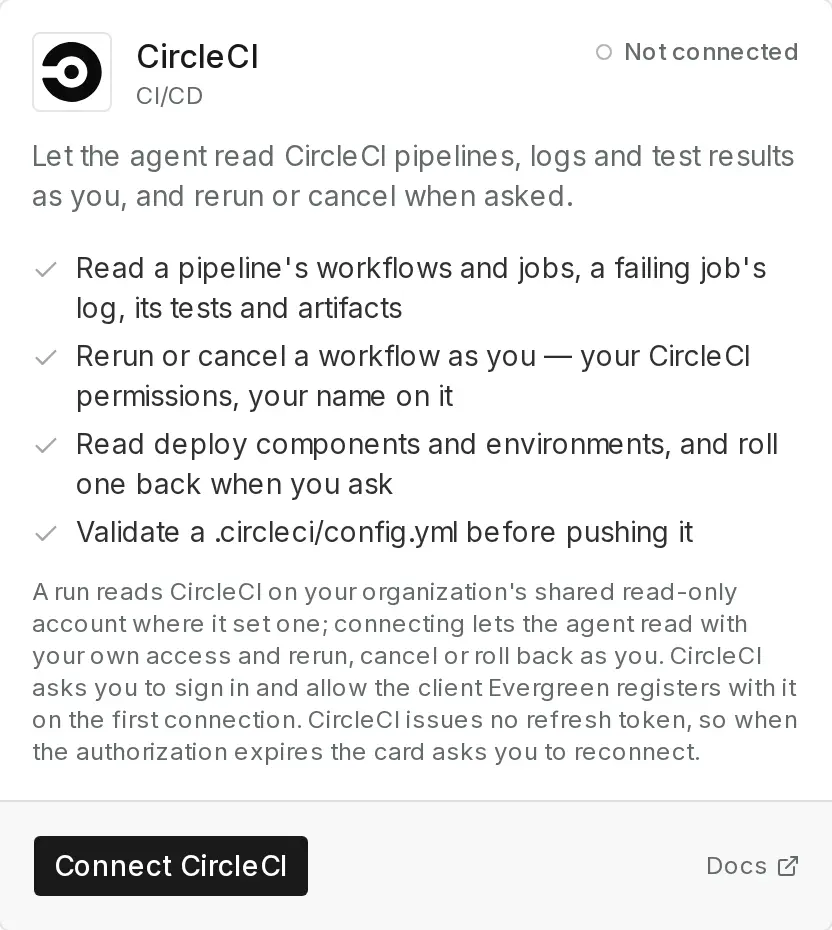
In Evergreen, go to Settings › Integrations and find CircleCI, under CI/CD.
-
Connect
Choose Connect CircleCI and sign in to CircleCI with your own account. CircleCI asks you to allow Evergreen the first time. There’s no token to copy.
-
Check it worked
The card shows you as connected. Start a session on a repository that uses CircleCI and ask the agent to look at its latest failing job.
With CircleCI connected, the agent can read a pipeline’s workflows and jobs, a failing job’s log, its tests and
artifacts, and check a .circleci/config.yml before it pushes one. When you ask, it can also rerun or cancel a workflow
as you, and read deploy components and environments and roll one back. When the change caused a failure, the agent
fixes the code and pushes.
Tip
CircleCI doesn’t give Evergreen a way to refresh your sign-in. When it expires, the card says Authorization expired and offers Reconnect. Choose it and sign in again.
Troubleshooting
| What you see | What to do |
|---|---|
| The pull request waits on a check | A required check hasn’t reported yet. Open the check in your forge to see what it’s waiting on. |
| Reconnect instead of Connect | Your CircleCI authorization expired. Choose Reconnect and sign in again. |
| The agent can’t read a CircleCI project | Your CircleCI account needs access to it. The agent sees what you see in CircleCI. |
Next
Last updated