Watch
Anyone with the link
- Follow the transcript live
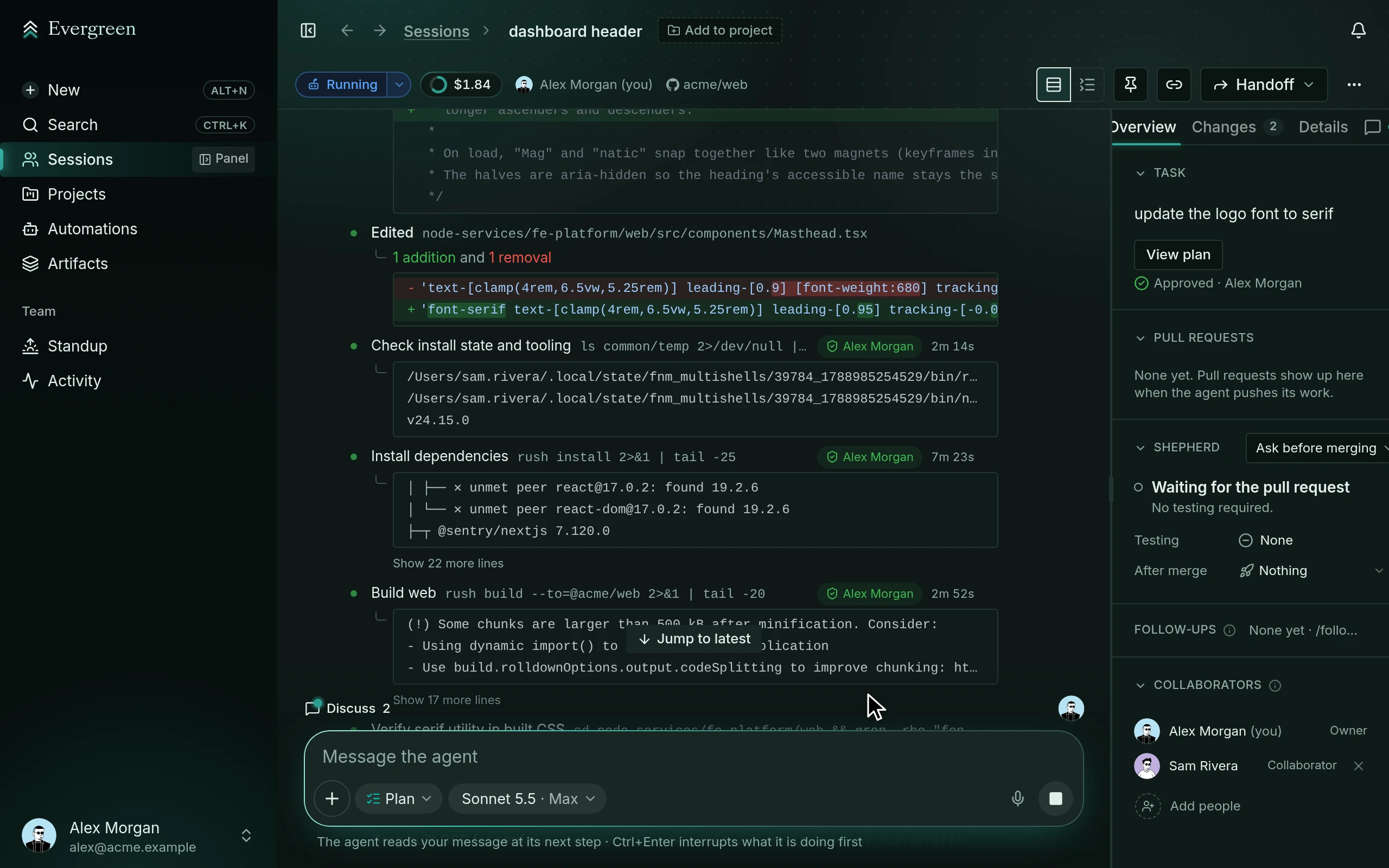
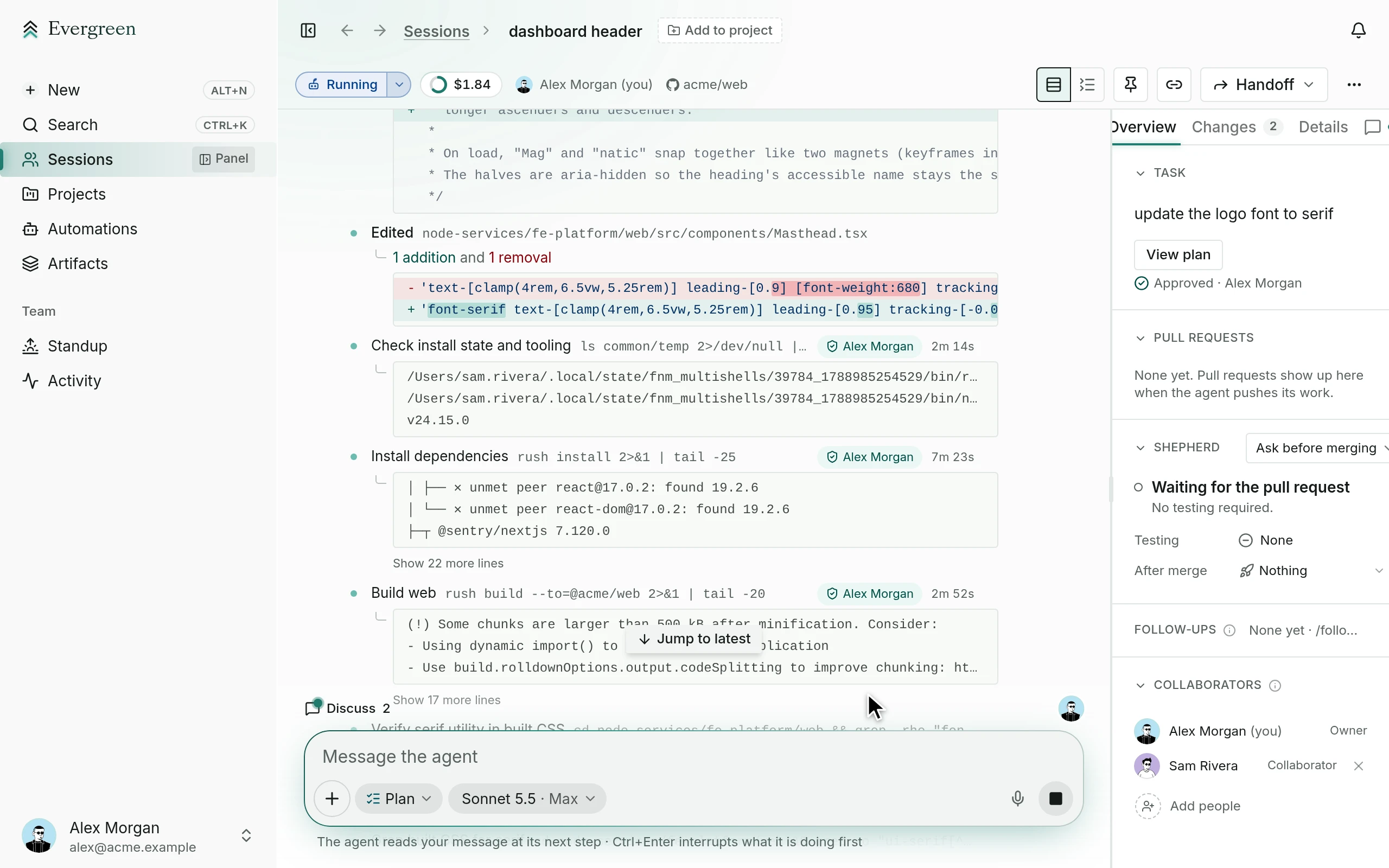
- Read the plan, the diff, and the evidence
- See checks, reviews, and cost
Evergreen pairs your team with an AI agent in a multiplayer session. You plan, steer, and approve the work together, and the agent sees it through to production.
01 · How it works
Describe the task. The agent reads the repo, writes a plan, and waits for a yes. Then it works on its own.
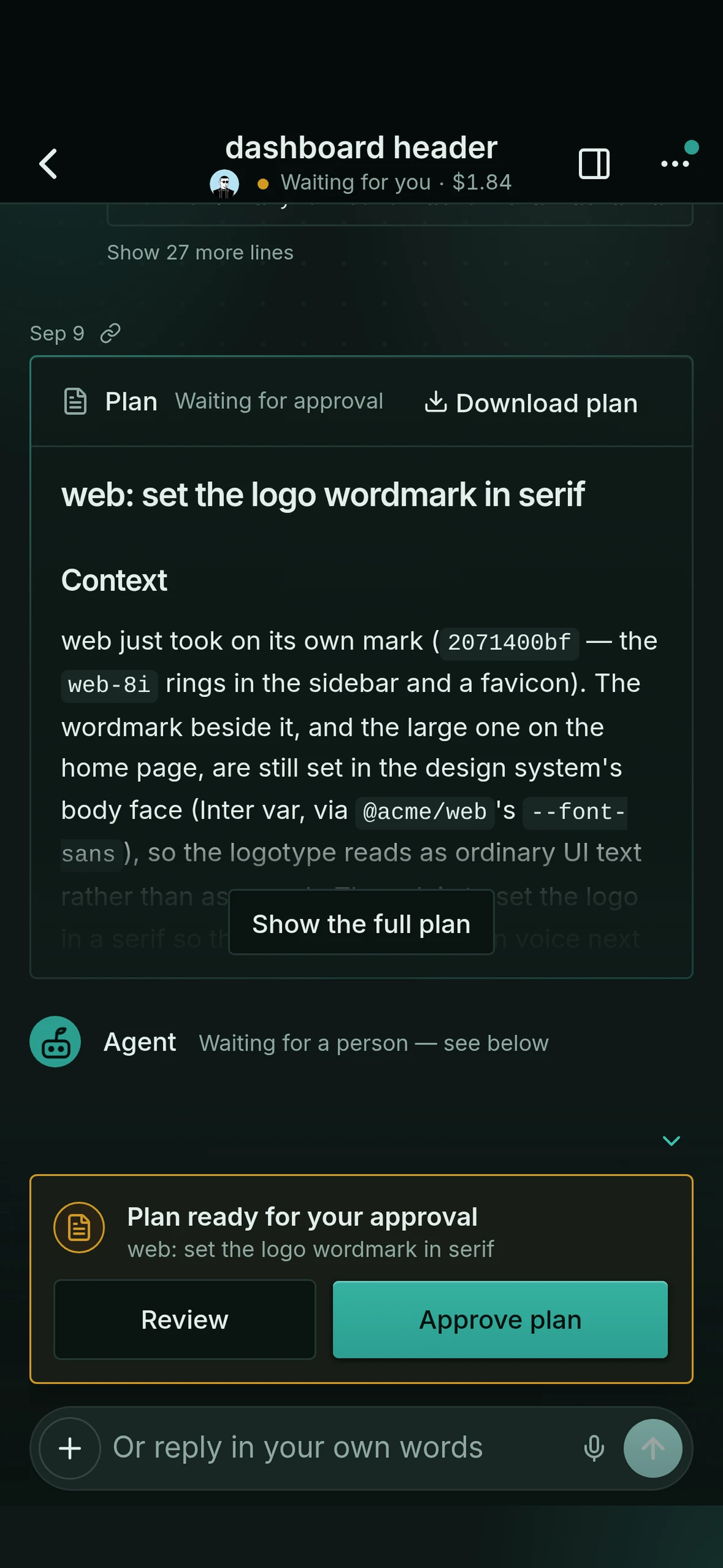
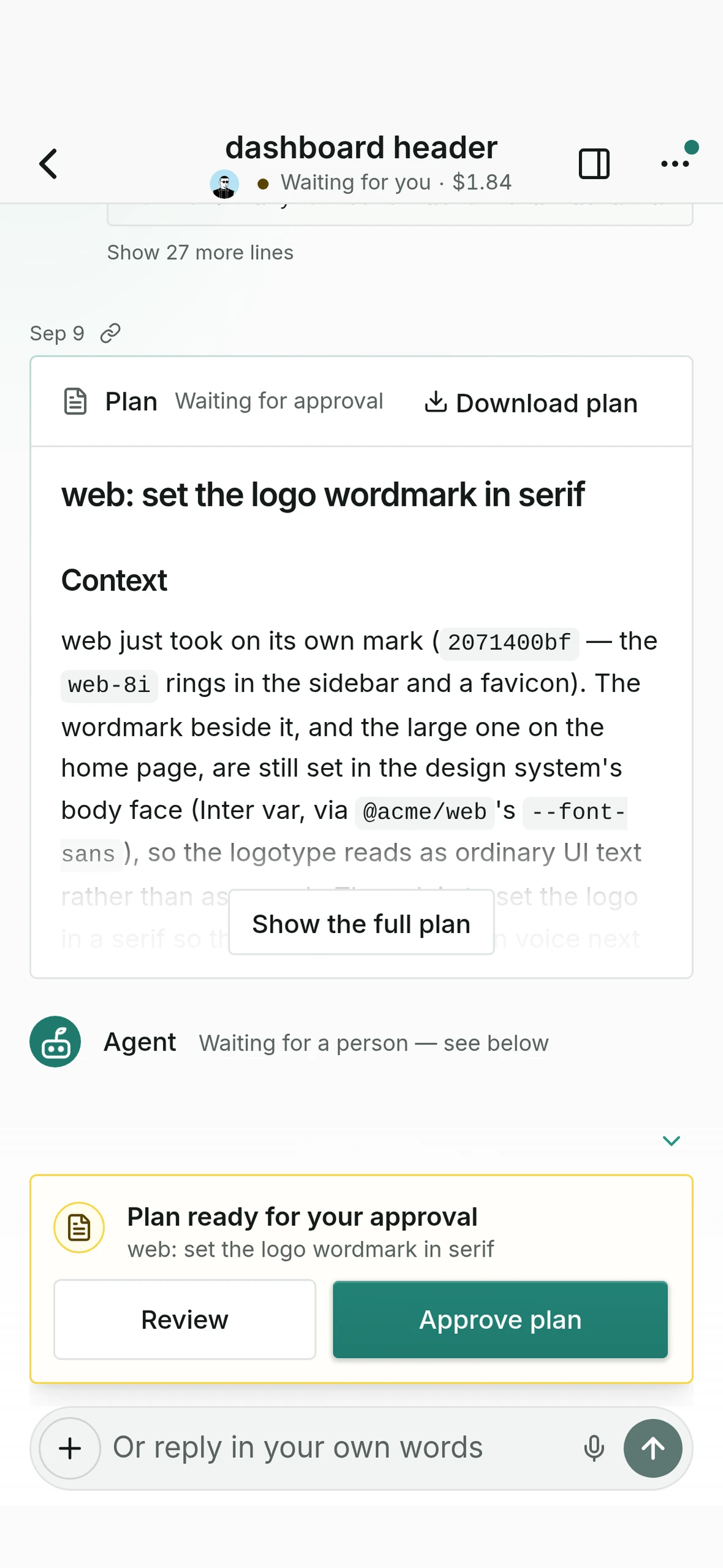
The agent proposes the work and the checks it will run.
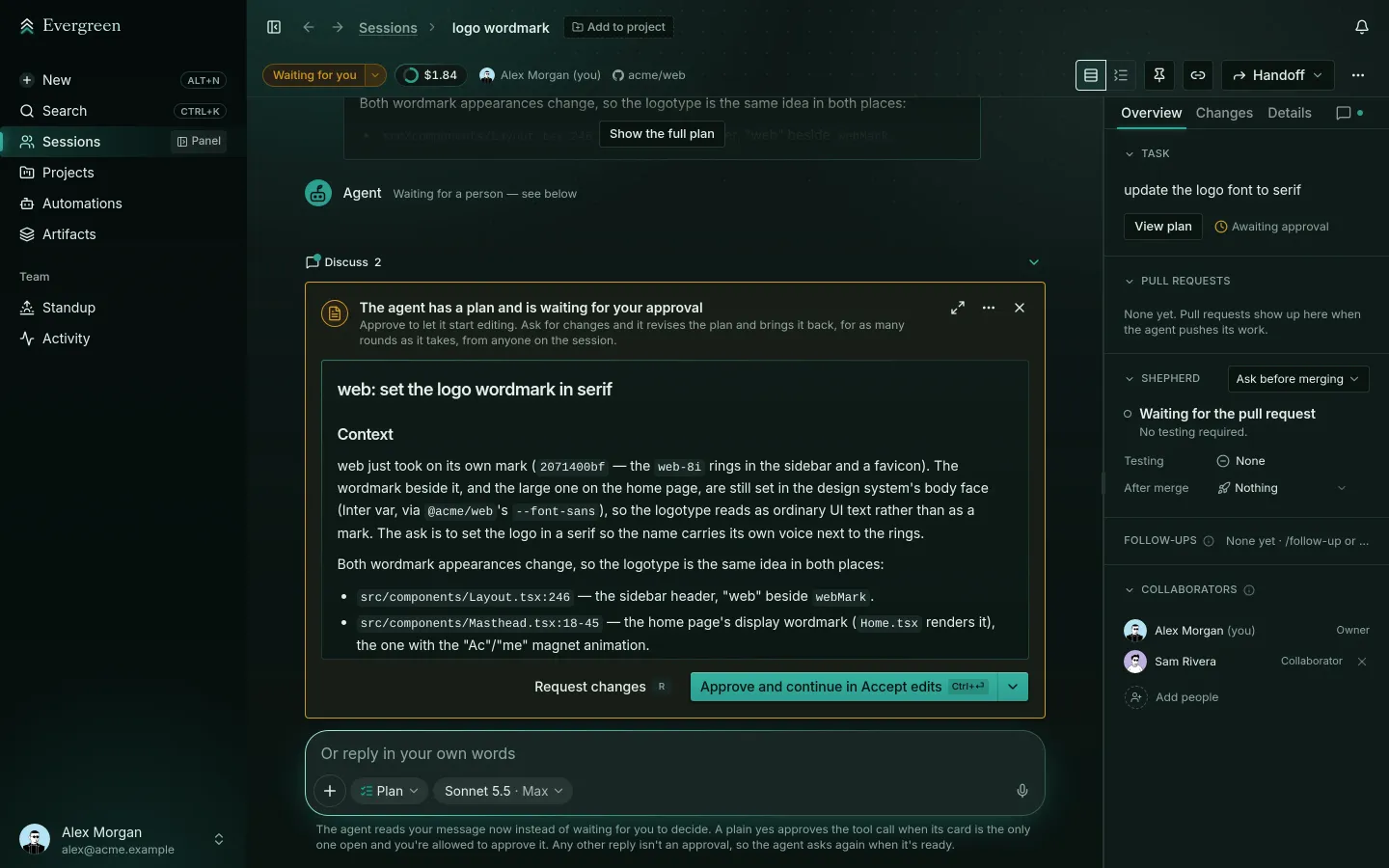
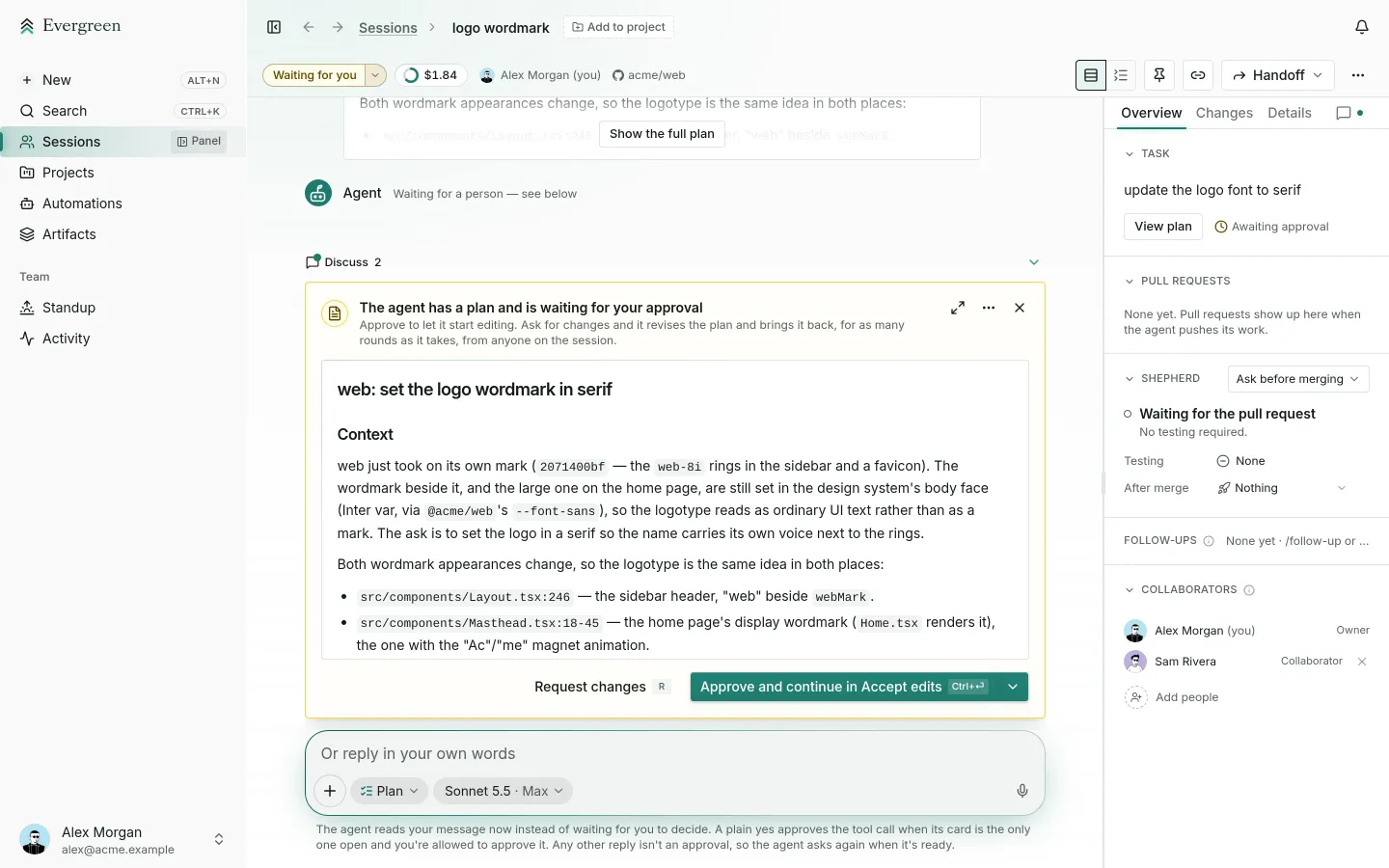
Any collaborator you add can approve the plan or ask for changes.
The agent works on its own in a sandbox and stops to ask when it needs you.
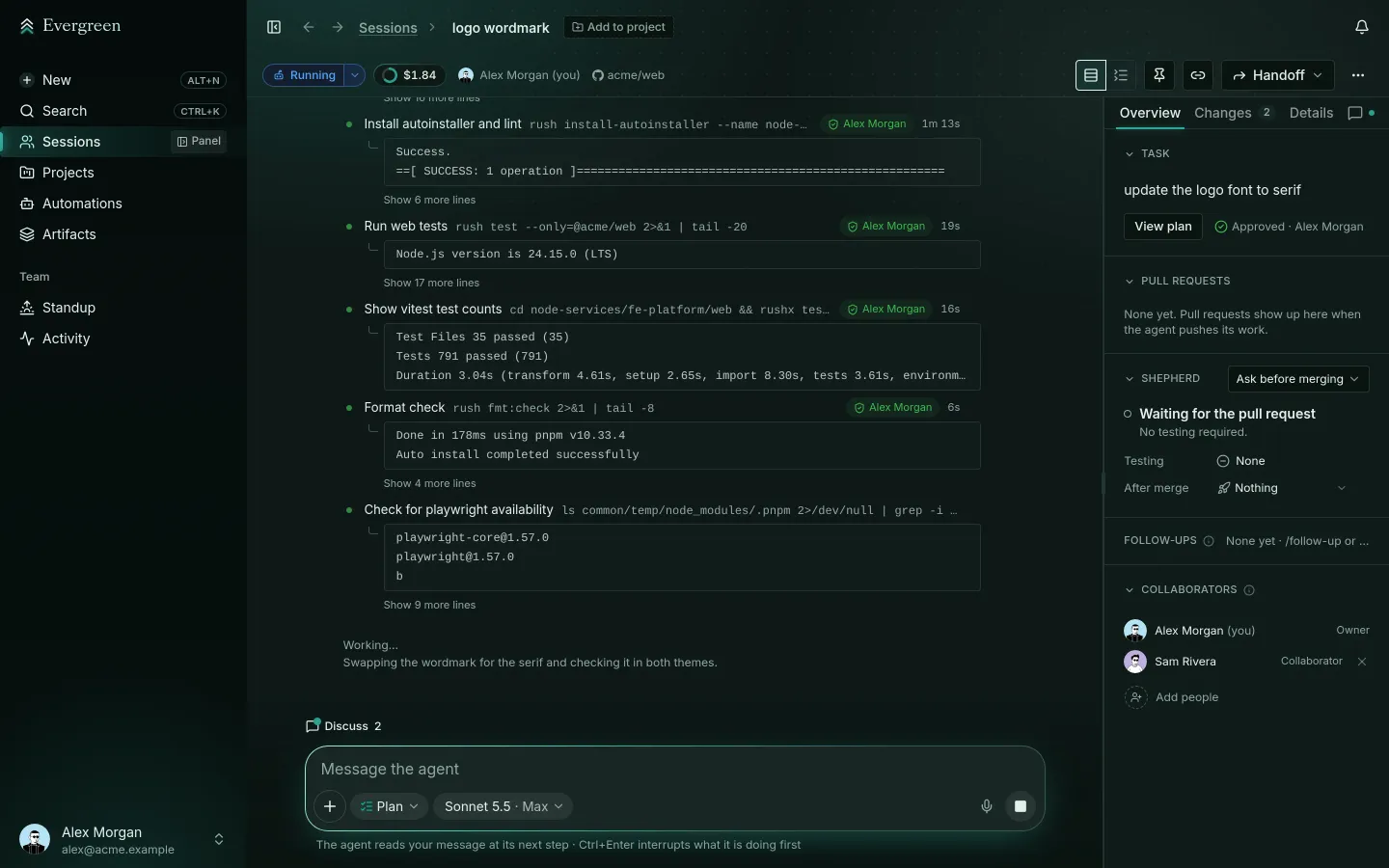
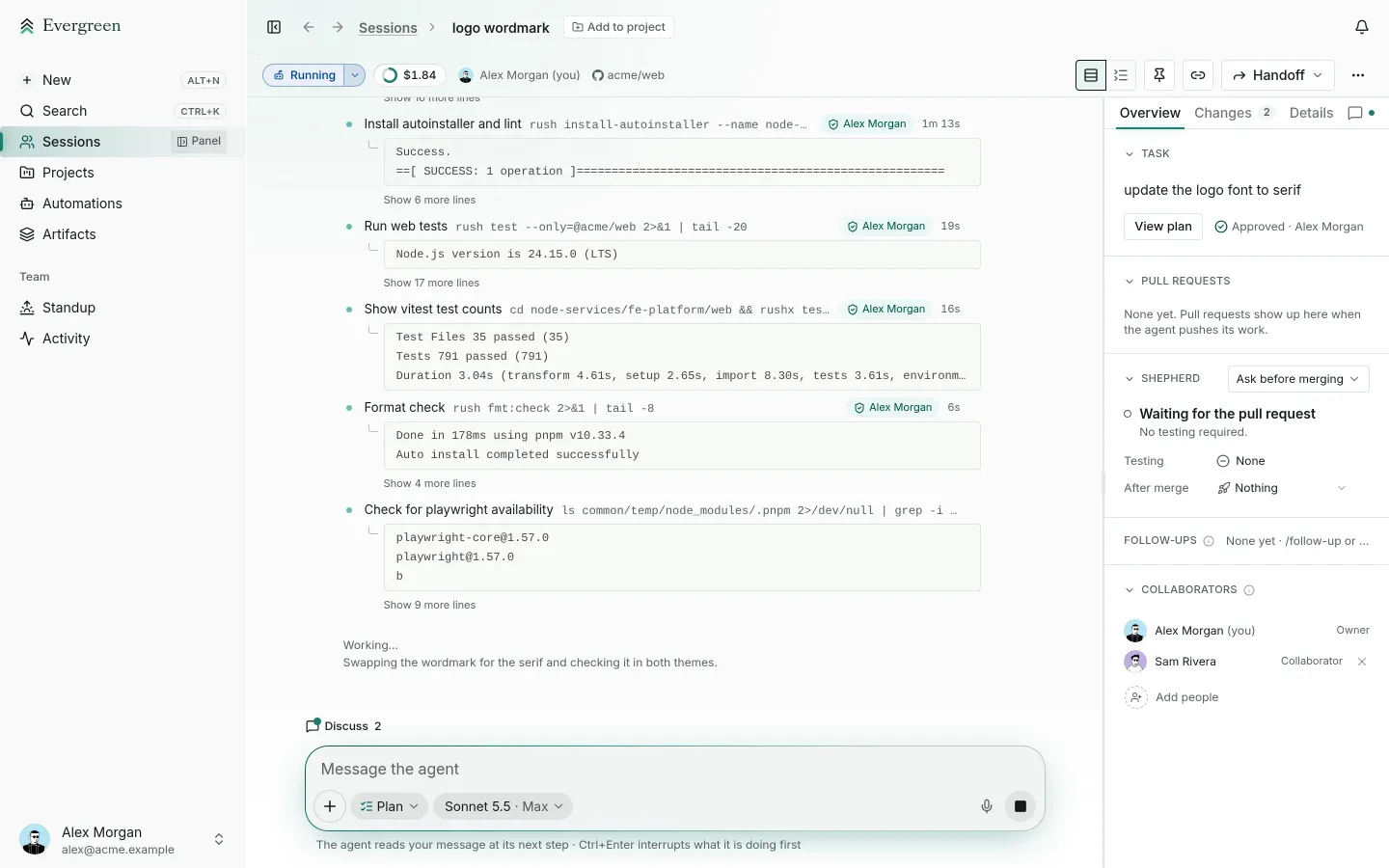
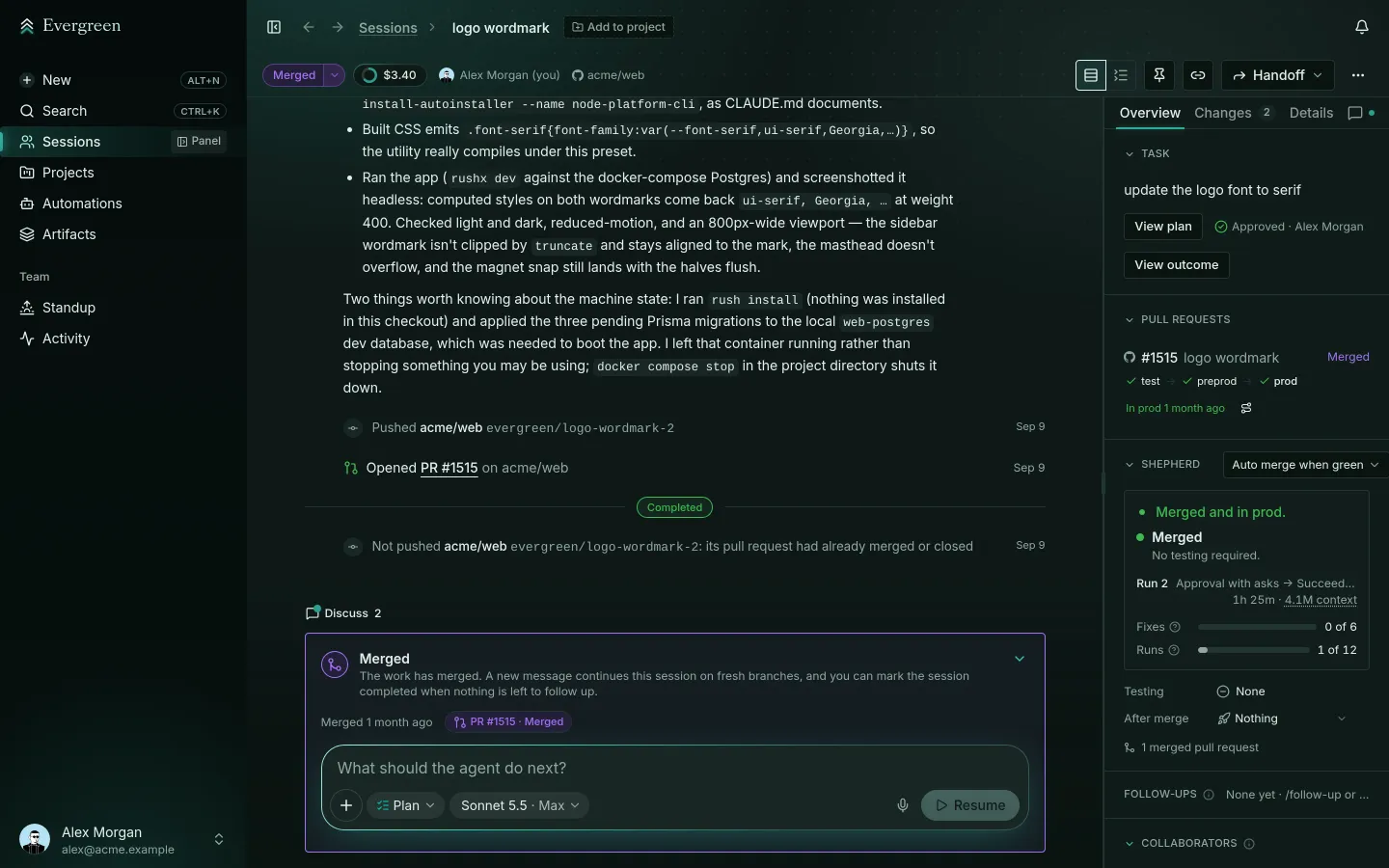
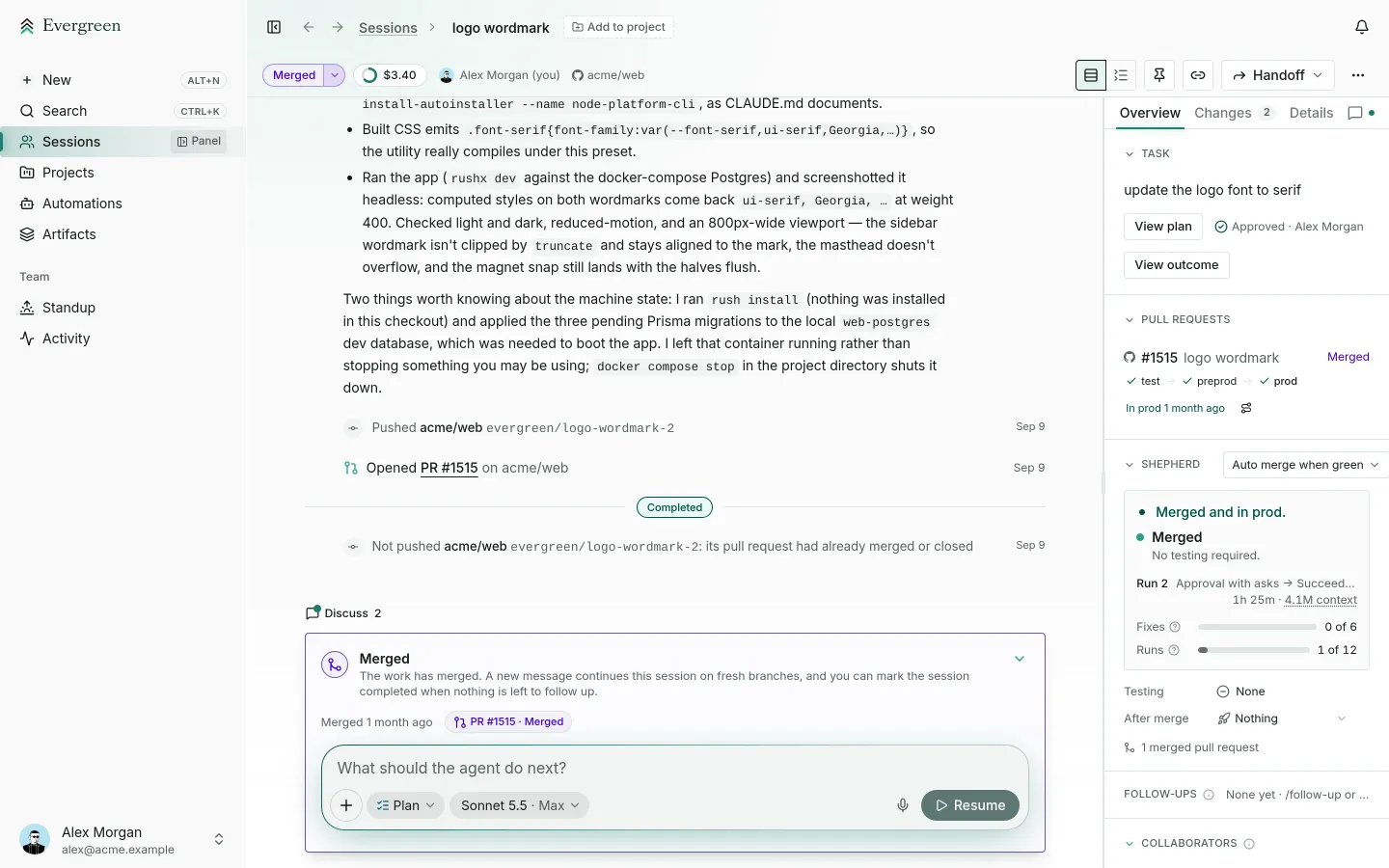
Evergreen opens the pull request and sees it through to production.
02 · Built at Carta
Evergreen started as the way Carta’s own teams work with coding agents. Engineers, designers, and operators at Carta use it every day to plan, build, and ship their work. Now your team can use it too.
Pull requests Carta merged each week, the rate per working day, and the median engineer’s own rate. Carta started using Evergreen on September 9.
| Week of | PRs shipped | Per working day | Median engineer |
|---|---|---|---|
| December 29 | 476 | 1.15 | 0.80 |
| January 5 | 1,079 | 1.13 | 0.80 |
| January 12 | 1,283 | 1.13 | 0.80 |
| January 19 | 1,415 | 1.30 | 0.80 |
| January 26 | 1,531 | 1.26 | 0.80 |
| February 2 | 1,536 | 1.30 | 1.00 |
| February 9 | 1,449 | 1.27 | 1.00 |
| February 16 | 1,139 | 1.13 | 0.80 |
| February 23 | 1,445 | 1.20 | 0.80 |
| March 2 | 1,777 | 1.35 | 1.00 |
| March 9 | 1,515 | 1.32 | 1.00 |
| March 16 | 1,693 | 1.39 | 1.00 |
| March 23 | 1,880 | 1.47 | 1.00 |
| March 30 | 1,644 | 1.34 | 1.00 |
| April 6 | 1,797 | 1.39 | 1.00 |
| April 13 | 2,123 | 1.58 | 1.00 |
| April 20 | 1,815 | 1.53 | 1.00 |
| April 27 | 2,166 | 1.70 | 1.00 |
| May 4 | 2,254 | 1.66 | 1.00 |
| May 11 | 2,398 | 1.73 | 1.20 |
| May 18 | 2,265 | 1.70 | 1.20 |
| May 25 | 2,393 | 1.69 | 1.20 |
| June 1 | 3,505 | 2.16 | 1.60 |
| June 8 | 4,503 | 2.70 | 2.00 |
| June 15 | 3,903 | 2.34 | 2.00 |
| June 22 | 4,218 | 2.60 | 2.00 |
| June 29 | 3,671 | 2.48 | 1.80 |
| July 6 | 4,349 | 2.86 | 2.20 |
| July 13 | 4,191 | 2.78 | 2.10 |
| July 20 | 4,883 | 3.36 | 2.40 |
| July 27 | 4,754 | 3.18 | 2.20 |
| August 3 | 4,919 | 3.20 | 2.20 |
| August 10 | 6,906 | 4.33 | 3.40 |
| August 17 | 7,060 | 4.29 | 3.40 |
| August 24 | 7,118 | 4.62 | 3.80 |
| August 31 | 7,074 | 4.46 | 3.60 |
| September 7, with Evergreen | 6,210 | 4.27 | 3.20 |
| September 14, with Evergreen | 9,025 | 5.57 | 3.80 |
| September 21, with Evergreen | 9,899 | 6.00 | 3.80 |
| September 28, with Evergreen | 10,566 | 5.04 | 2.60 |
| October 5, with Evergreen | 12,644 | 6.15 | 3.00 |
| October 12, with Evergreen | 14,522 | 8.09 | 4.40 |
| October 19, with Evergreen | 17,162 | 8.41 | 4.90 |
03 · The finish line
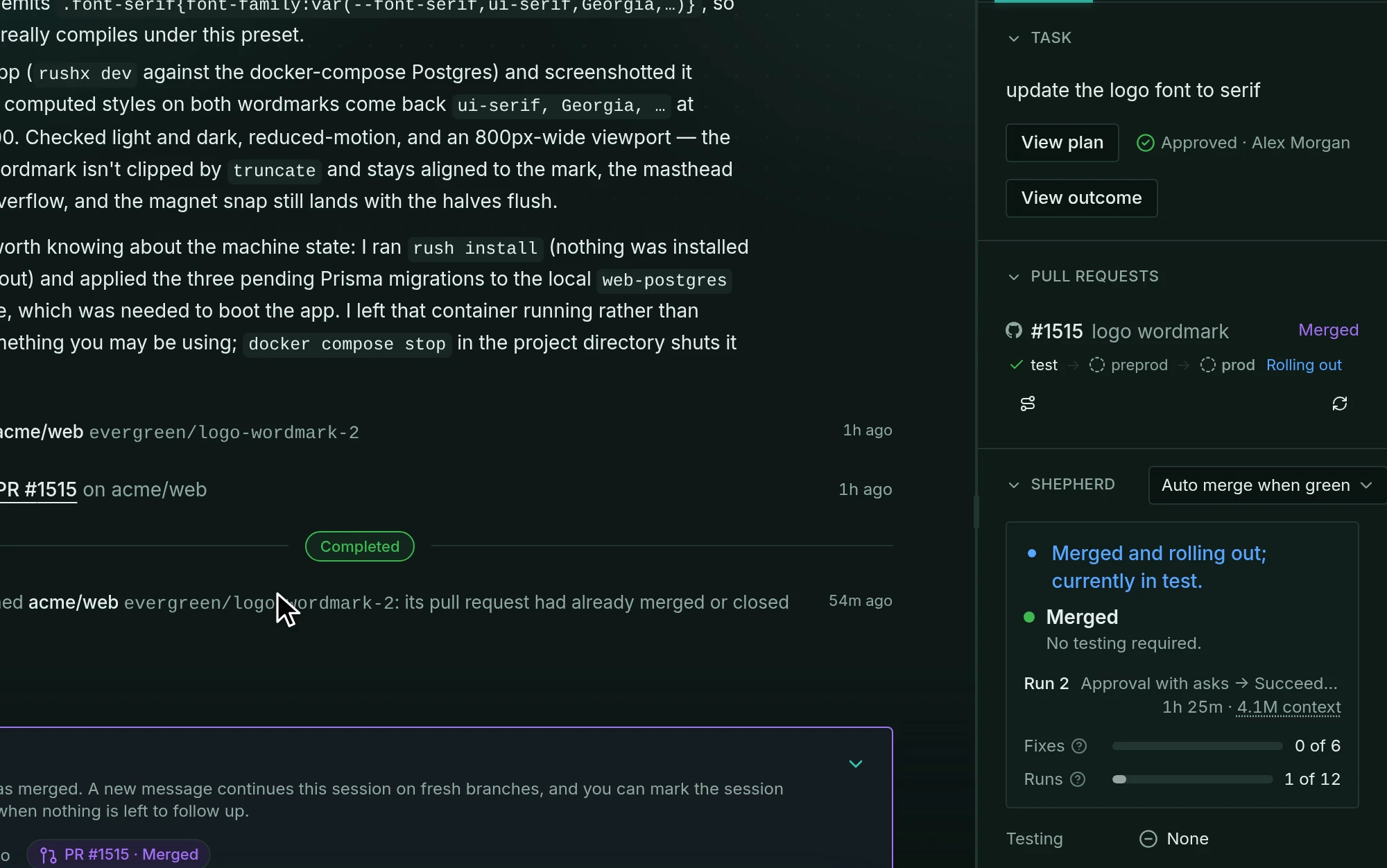
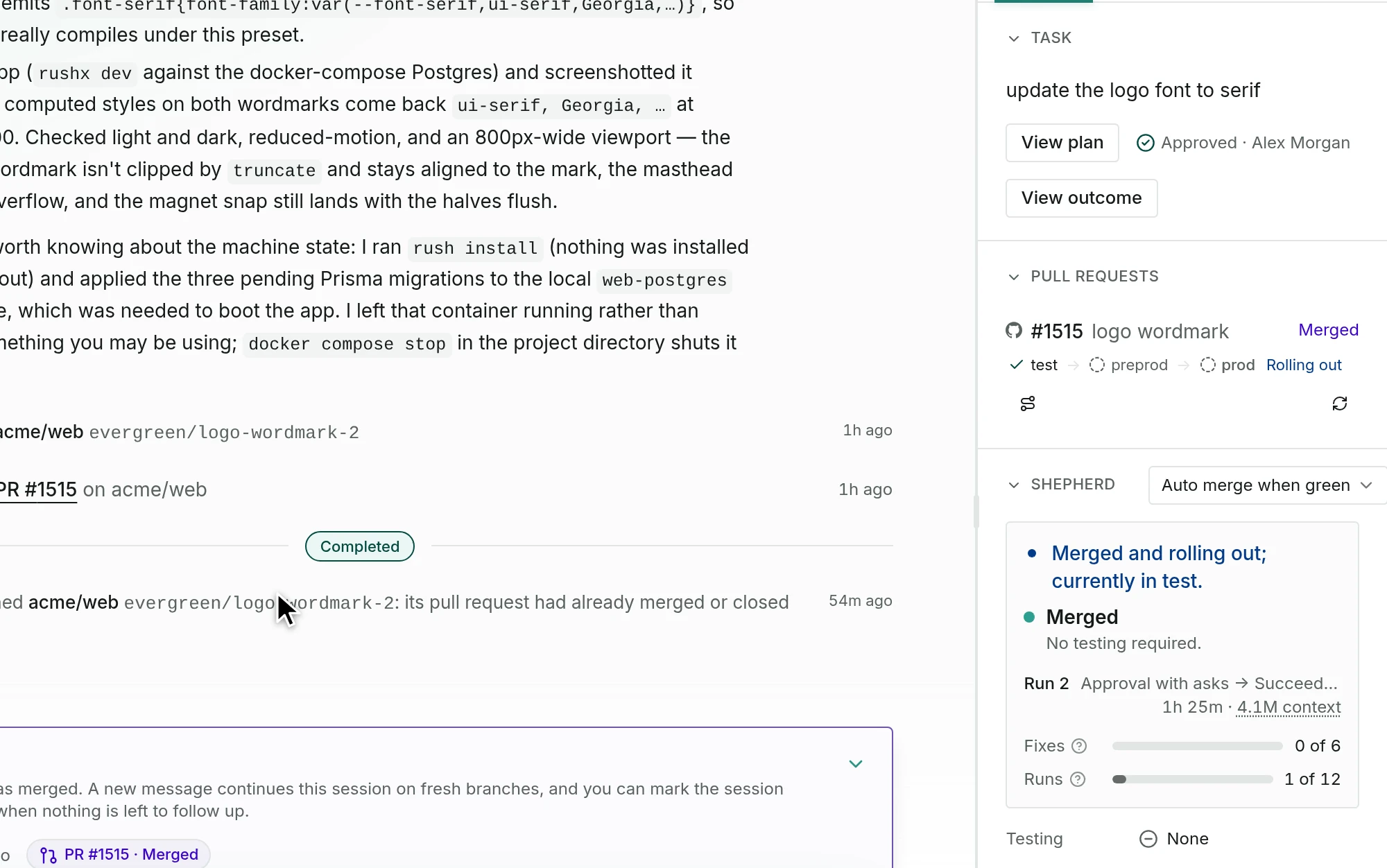
Evergreen doesn’t stop at the pull request. It fixes red checks, answers review comments, and resolves merge conflicts, then follows the change through every environment and checks that it works.
Each fix has a limit, and when it runs out, Evergreen pages someone on your team.
04 · Multiplayer
Sessions are shared. Everyone in your organization can watch a public one, and the collaborators you add can steer.
Anyone with the link
Collaborators you add, one by one or by group
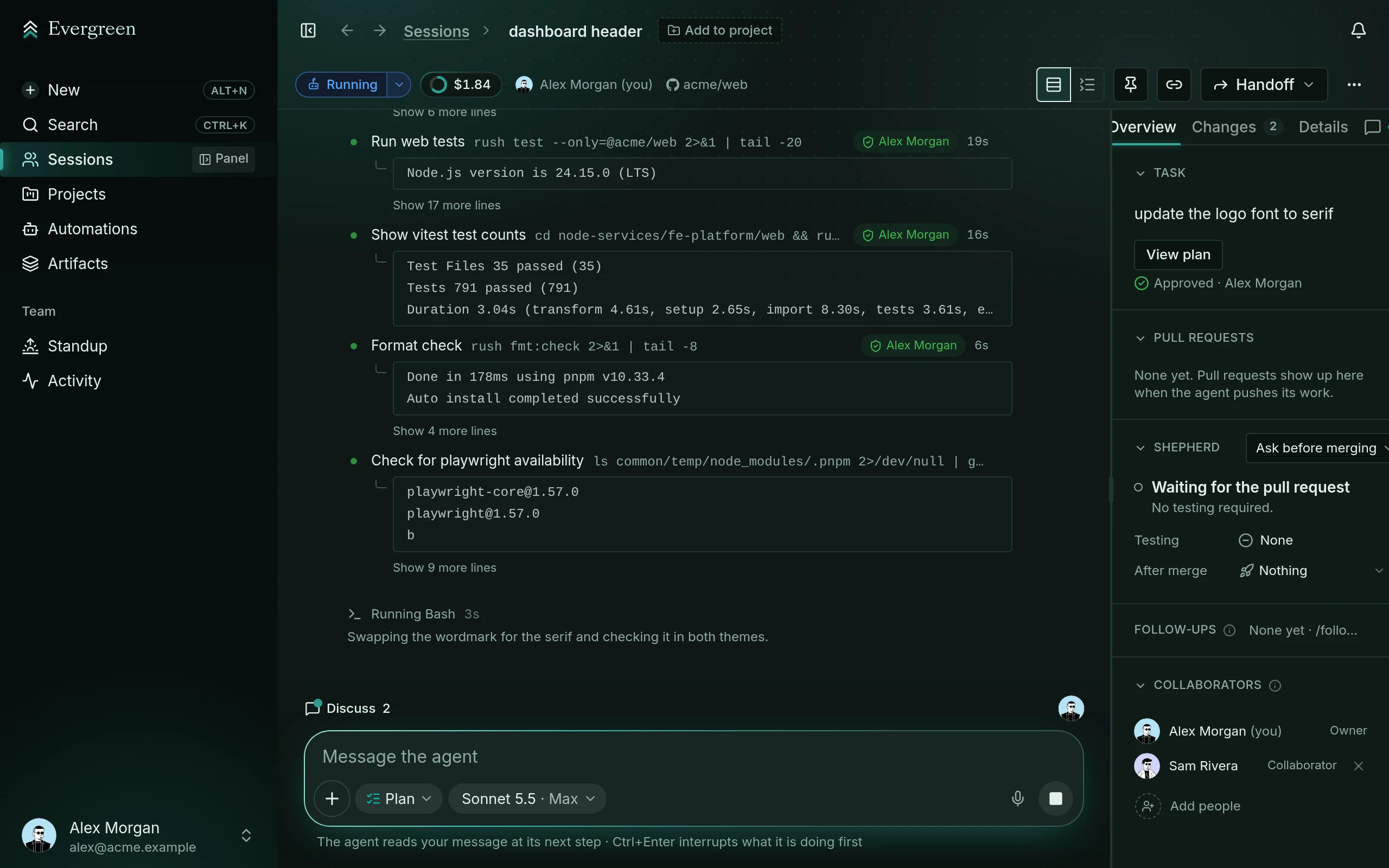
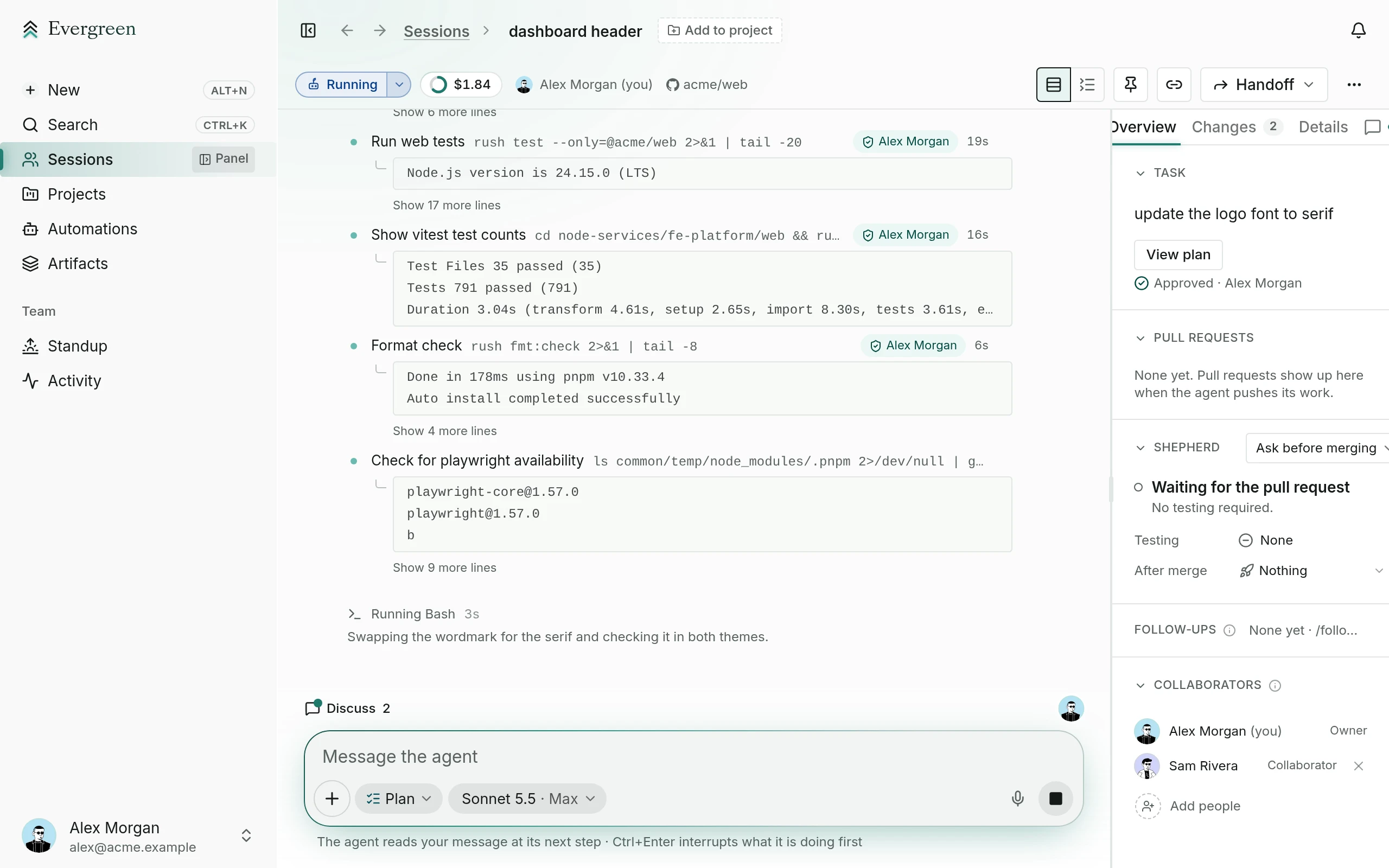
There’s also a Discuss thread just for people. The agent can’t see it.
See something? Ship something.
Not only engineers. Anyone who spots a typo, a broken link, or a confusing screen can describe the fix in a sentence, and the agent opens the pull request. It goes through the same checks and review as any other.
05 · Agent to agent
Sessions can talk to each other. Their agents split up a feature, share what they learn, and stay out of each other’s way, so 10 sessions work like one team.
A session called Ship invoices plans three parts and starts a follow-up session for each: the API, the page, and the docs. Each follow-up messages it when its pull request is open, and it replies with the order to merge them in.
Two teammates' sessions open the same file, and Evergreen tells each agent about the other. One asks whether the other is changing lines 40 to 72; the other replies that it only touches the padding on lines 12 to 20 and will keep off.
Every message shows up in both sessions’ transcripts, and a message from another agent never counts as approval. Replies between agents are capped, so they can’t go back and forth forever.
06 · Everywhere
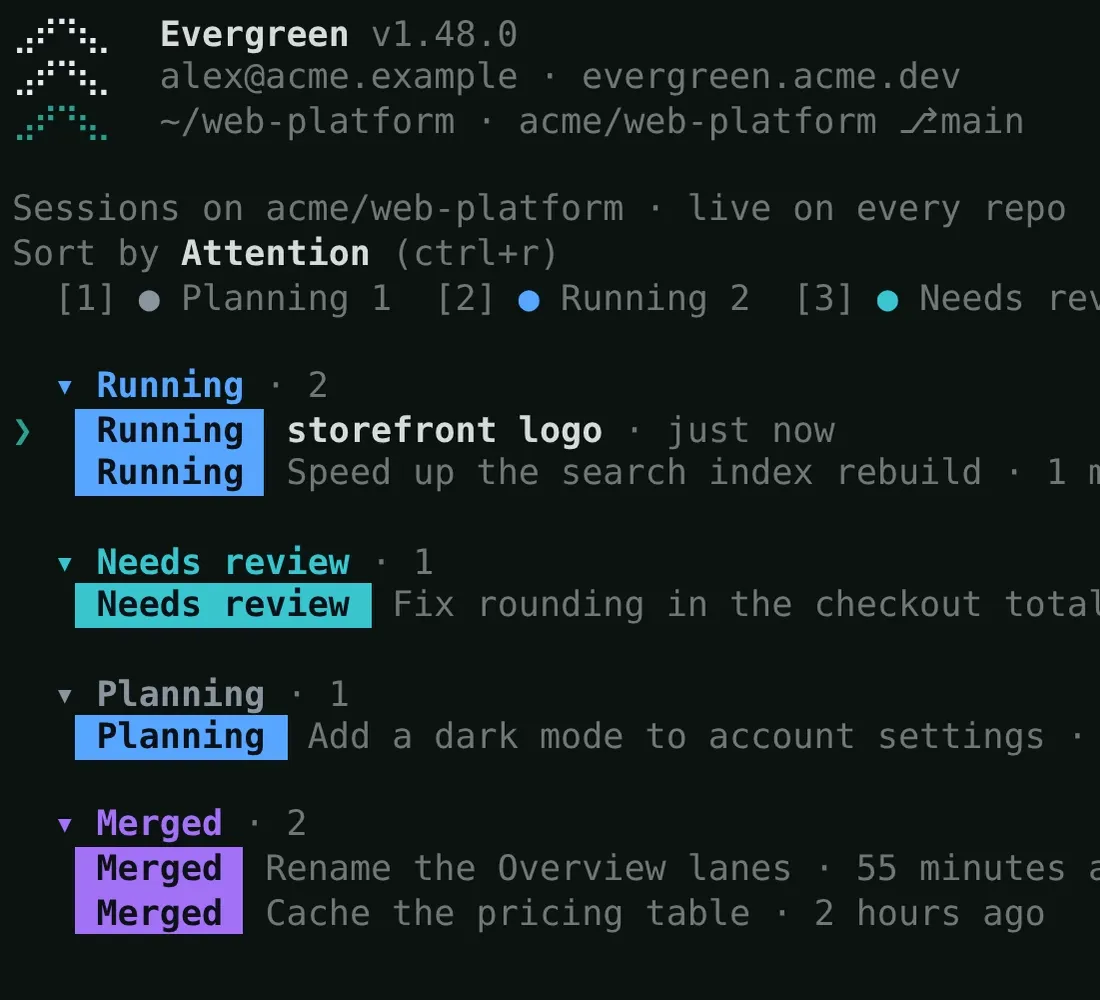
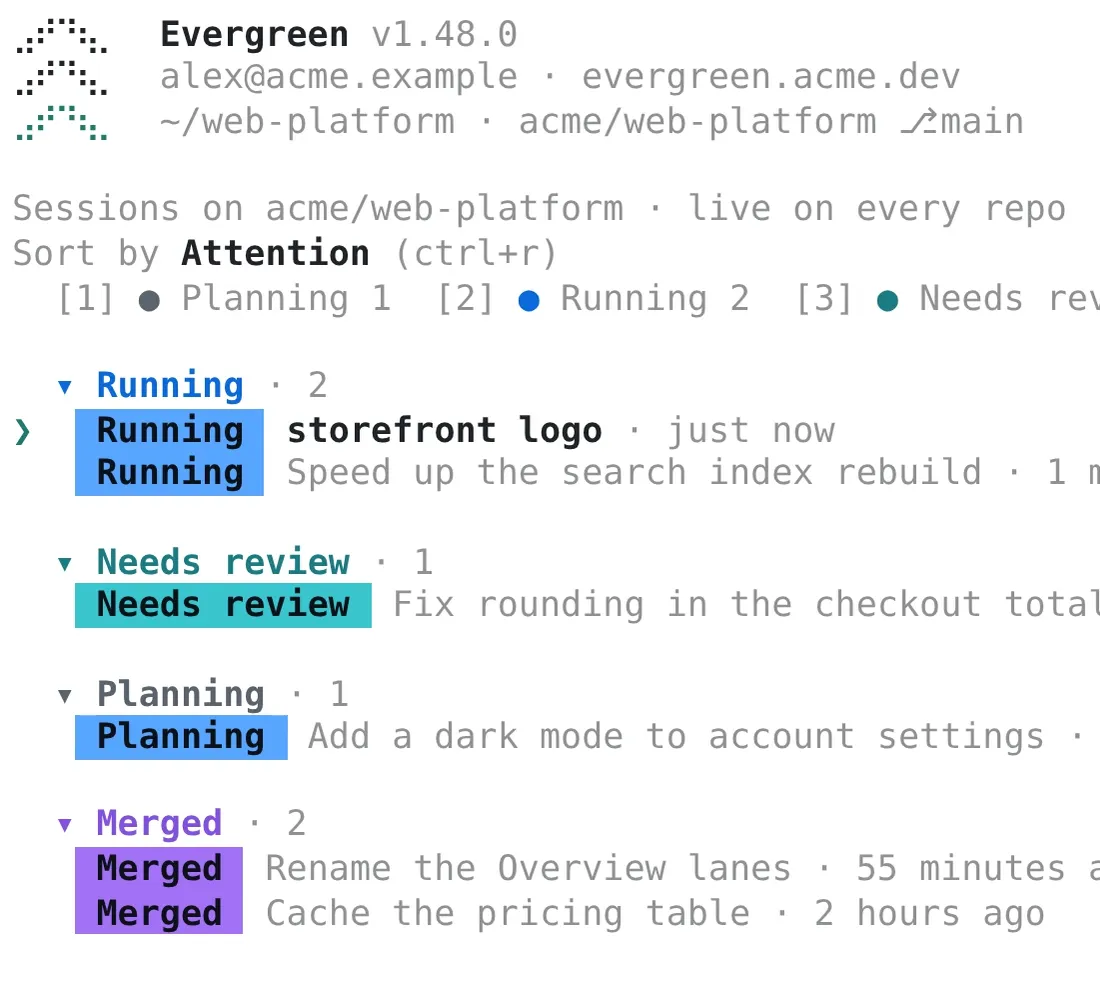
Use the web, Slack, your terminal, or your phone. Start in one and pick up in another without losing anything.
The whole session in one place: plan, transcript, checks, and pull requests.
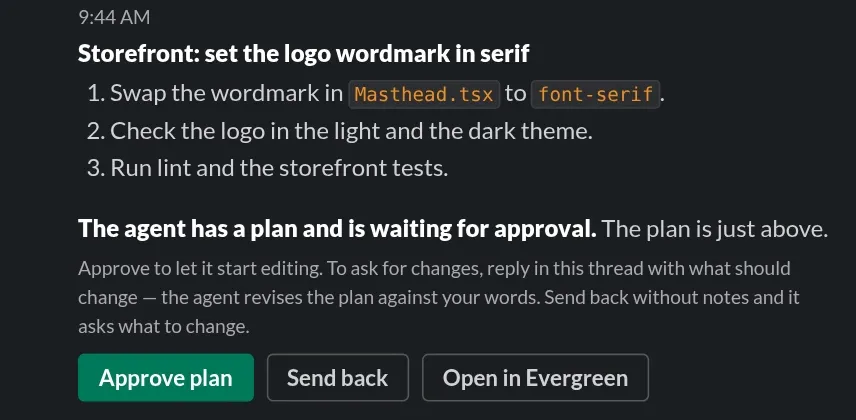
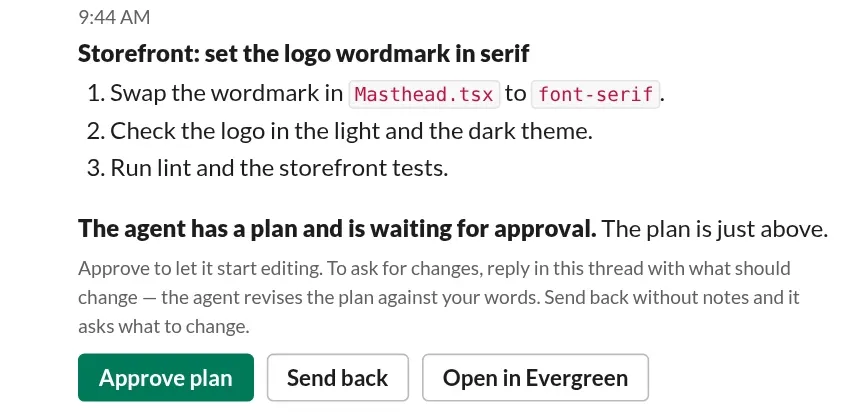
Plans and questions arrive as cards with buttons. Approve from the thread.
Pull a session onto your laptop, work on it, and hand it back.
Approve a plan from the train, and watch the agent work.